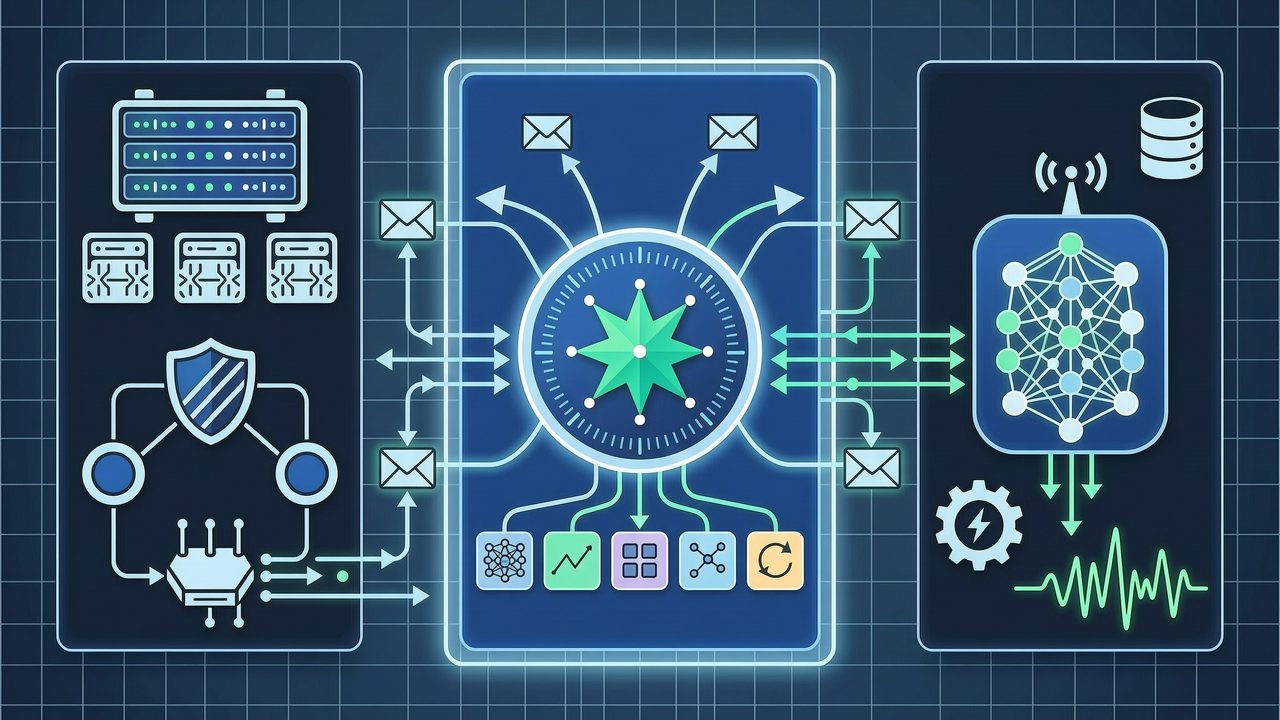
Teams building products with large language models often need a practical GPT API Domestic Access Solution. The goal is simple: call OpenAI-compatible endpoints from the same application code, switch models by configuration, pay only for tokens used, and keep latency, reliability, and cost under control.
Why Unified LLM Access Matters
Most production applications do not depend on one model forever. A chat product may use GPT for reasoning, DeepSeek for low-cost drafts, Qwen for local language workflows, and Claude for long-context review. If each provider exposes a different SDK, authentication flow, and error format, integration complexity grows quickly. A unified gateway reduces that surface area by presenting a common interface and letting you move models behind the same code path.
For enterprises, the same pattern also supports procurement and governance. Instead of multiple vendor accounts, rate limits, and invoices, teams can route through one API key, observe spend per model, and apply consistent logging and retry policies.
OpenAI-compatible endpoints
OpenAI compatibility usually means you can call /v1/chat/completions with messages, model, temperature, max_tokens, stream, and standard headers. Existing client libraries can work with a custom base_url. This is useful because you can keep framework integrations in place while changing the underlying provider.
One key for multiple models
With cnaibot, one API key can access DeepSeek, Qwen, Claude, GPT, and other models through an OpenAI-compatible gateway. Switching by changing base_url and model name avoids rewriting application logic. Billing is pay-per-token, with no monthly platform fee, which suits prototypes, batch jobs, and variable production traffic.
Developer Scenario: Switch Models by Configuration
A common implementation treats the model provider as runtime configuration. The application reads a model name and base URL, then sends a standard chat completion request. If a model becomes slower or more expensive, operators can change the default model without deploying new code.
Example request
Use a curl example:
curl -s https://www.cnaibot.com/v1/chat/completions -H 'Authorization: Bearer YOUR_API_KEY' -H 'Content-Type: application/json' -d '{"model":"gpt-4o-mini","messages":[{"role":"user","content":"Summarize this ticket"}]}'The same request can be sent with another model string, such as deepseek-chat or qwen-plus, depending on the gateway model list. The response format remains compatible, so parsing code does not need provider-specific branches.
Streaming and Latency
Streaming matters in user-facing interfaces. Instead of waiting for the full completion, the server sends token chunks as they are generated. This lowers time to first token and makes the experience feel responsive. In an OpenAI-compatible gateway, set stream to true and handle incremental deltas in the same way you would with the official client.
Practical streaming tips
- Set a short timeout for first token and a separate timeout for total response.
- Render partial content progressively to reduce perceived latency.
- Track finish reason, usage tokens, and error status for every request.
- Keep prompts concise; token cost and latency scale with context size.
Reliability: Channel Failover and Retry Policies
Network variability, provider capacity limits, and transient errors can interrupt production traffic. A domestic access solution should make failover explicit. Instead of hardcoding one provider, route through a gateway that can select channels based on availability, latency, and quota.
For developers, good practice is to classify errors: retry only idempotent, transient failures such as rate limits or timeout; avoid retrying validation errors or content policy rejections. Add exponential backoff with jitter. For long-running agents, persist the conversation state before retrying so a failed request does not lose context.
Enterprise failover checklist
- Use a unified key and separate environments for staging and production.
- Record model version, request ID, and provider channel in logs.
- Define fallback order for similar models, not only cheaper ones.
- Set budget alerts per team, per application, and per model.
- Run canary traffic before moving a large share of requests.
Cost Control Without Sacrificing Quality
Token pricing varies by model, context window, and output length. Pay-per-token billing helps align cost with actual usage. The control problem is not only choosing a cheap model; it is choosing the right model for each task.
For high-volume classification, extraction, or summarization, a smaller model may be sufficient. For multi-step reasoning, planning, or code generation, a stronger model may reduce total retries and prompt engineering effort. A gateway makes it practical to compare models on the same prompt set and measure cost per successful task.
Cost workflow
- Start with one prompt suite for quality, latency, and cost.
- Run the suite across candidate models and record pass rate.
- Route simple tasks to low-cost models and complex tasks to premium models.
- Use caching for repeated system prompts or retrieval context when supported.
- Review monthly token spend by feature, not only by model.
Model Comparison: What to Evaluate
Model selection should be evidence-based. For a GPT API Domestic Access Solution, compare providers on the same interface so differences reflect model behavior, not integration noise.
Evaluation dimensions
- Accuracy: task completion rate on representative prompts.
- Latency: time to first token and total generation time.
- Context handling: long-document summarization and instruction retention.
- Tool calling: reliability of structured outputs and function schemas.
- Stability: error rate, timeout rate, and failover behavior.
Implementation Pattern for Teams
A clean architecture wraps the gateway client in a thin provider adapter. The adapter exposes methods such as generate, generateStream, estimateCost, and healthCheck. Business code never references provider-specific exceptions. This makes it easier to audit model usage and replace providers during traffic shifts.
Recommended defaults
- Set max_tokens to avoid runaway output costs.
- Log prompt and completion separately for security review.
- Use environment variables for API keys and base URLs.
- Limit parallel requests per user to prevent noisy neighbors.
- Store request IDs to correlate user reports with gateway logs.
When a Gateway Fits
A unified gateway is useful when you need multiple models, predictable integration, and centralized billing. It is not only a convenience layer; it can improve operations by giving one place to measure latency, cost, and reliability. For teams starting with GPT and expanding to DeepSeek, Qwen, or Claude, the OpenAI-compatible approach keeps the application stable while provider choices evolve.
If you want to test a practical GPT API Domestic Access Solution, try cnaibot with one API key and switch models by changing base_url.