Why Teams Need an OpenAI Compatible API Interface
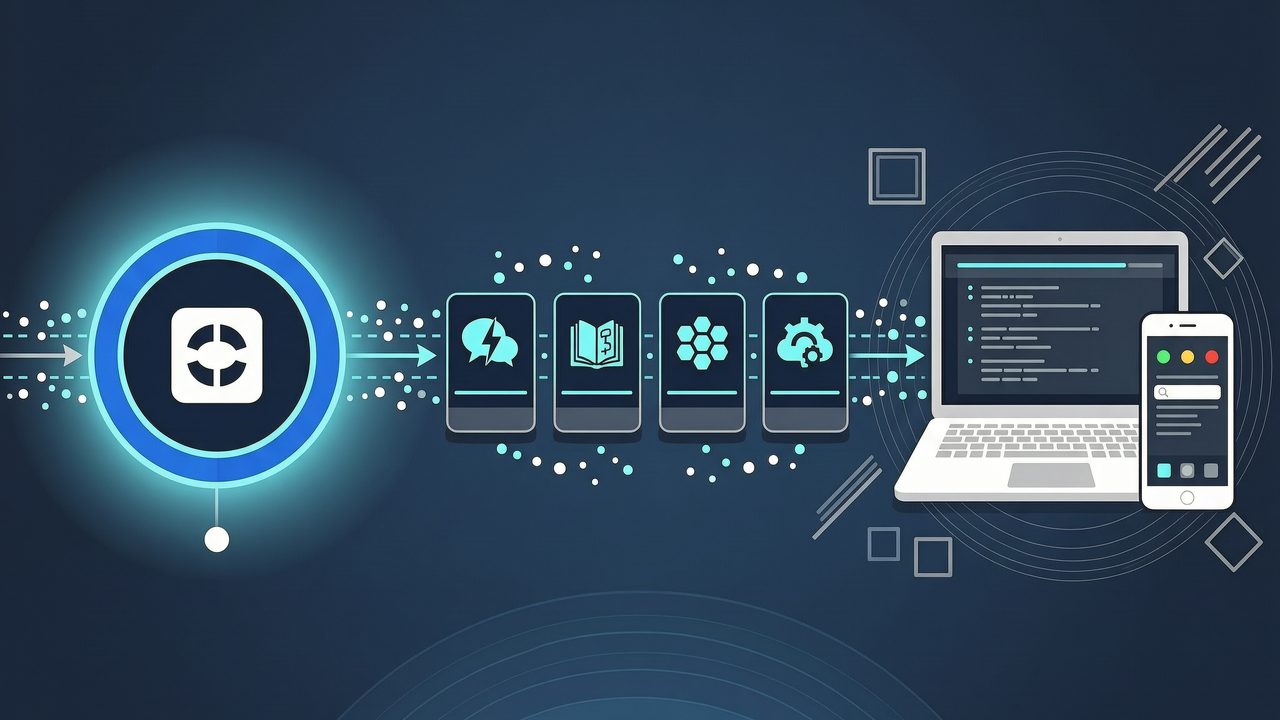
LLM applications often start with one model provider, then grow into a landscape of assistants, coding tools, translation services, and internal knowledge agents. At that point, model selection becomes an infrastructure decision. An OpenAI compatible API interface gives teams a familiar request shape while allowing them to route calls to multiple providers behind one gateway. Instead of rewriting every integration for a new vendor format, developers can keep the same endpoint pattern, change a model name, or switch a base URL when they need a different capability, price point, or latency profile.
Core Integration Scenarios
Unified Key Across Models
A single API key is valuable when many teams use LLM calls from products, batch jobs, support tools, and internal bots. Without a unified gateway, each team may store its own provider key, rotate secrets independently, and debug different authentication errors. With an OpenAI compatible gateway, one key can authorize requests to models such as DeepSeek, Qwen, Claude, GPT, and other supported providers. The application code still sends a normal chat completion request, while the gateway decides how to forward it. This simplifies onboarding, reduces secret sprawl, and makes it easier to apply consistent access rules.
Pay-Per-Token Pricing and Cost Control
For experimentation, a flat monthly subscription can create unnecessary fixed cost. Pay-per-token pricing is often easier to connect to product usage: a team pays when an application actually generates or consumes tokens. The practical challenge is visibility. A gateway can help by exposing token usage, request logs, and per-model costs through one interface. Cost control then becomes a routine engineering task: set budgets, route long-context work to lower-cost models, cache repeated prompts, and monitor usage by project, environment, or customer. This is especially useful when one product uses several models for different tasks.
Streaming Responses for Real Time UX
Streaming is not only a performance feature; it changes user perception. When a chat assistant, code explainer, or document summarizer returns partial text quickly, the application feels more responsive. An OpenAI compatible interface typically supports streaming through the same chat completion endpoint. Developers can enable stream, process incremental chunks, and handle errors without depending on provider-specific SSE quirks. For production apps, streaming also requires attention to timeouts, retry policies, and client disconnection handling. A gateway that keeps the request format stable makes it easier to build those safeguards once and reuse them across models.
Channel Failover for Reliability
Provider outages, rate limits, and temporary routing issues can interrupt user-facing applications. In a multi-model architecture, failover should be planned rather than discovered during an incident. A gateway can define channels for the same model family or capability, then retry or redirect when one channel is unavailable, overloaded, or returning a transient error. The important design question is not whether to failover, but how to do it safely. Idempotent requests, clear timeout budgets, and conservative retry counts help prevent duplicate charges and cascading pressure on upstream providers.
Model Comparison and Routing
Different tasks favor different models. A support agent may need concise answers with low latency, while a coding assistant may need long-context reasoning and tool calling. A gateway makes it practical to compare candidates with the same application layer. Teams can run evaluation prompts, record output quality, track token counts, and measure time to first token. When the results are clear, routing rules can send simple queries to economical models and complex queries to stronger ones. Because the request schema remains compatible, switching from one provider to another is usually a configuration change rather than a rewrite.
Practical Setup with Cnaibot
Cnaibot is an OpenAI compatible LLM API gateway that can expose multiple models through one key. In a typical setup, the application points its OpenAI-style client to the gateway base URL, uses a Cnaibot key for authentication, and selects a model identifier supported by the gateway. The example below shows a streaming chat request. Model names can vary by account and channel, so teams should confirm available identifiers before deployment.
from openai import OpenAI
client = OpenAI(
    api_key='your_cnaibot_key',
    base_url='https://www.cnaibot.com/v1'
)
response = client.chat.completions.create(
    model='gpt-4o-mini',
    messages=[{'role':'user','content':'Explain this API pattern'}],
    stream=True
)
for chunk in response:
    print(chunk.choices[0].delta.content or '', end='')
Design Patterns That Work Well
Keep provider secrets out of the client application and send only the gateway key to the frontend or service that needs it.
Use environment variables or a secrets manager so base URL, key, and default model can differ between development and production.
Store a fallback model list per task, then let the gateway or application choose an alternative when rate limits occur.
Log request metadata, not sensitive prompt content, to keep observability useful without expanding privacy risk.
Set explicit timeouts for streaming and non-streaming calls, and retry only when the request is safe to repeat.
Separate cost centers by project or tenant so usage reports can be reviewed by product, finance, or security teams.
Common Pitfalls to Avoid
One common mistake is treating every model as interchangeable. Context length, tool calling behavior, multimodal input support, and output style can differ even when the API shape is compatible. Another mistake is adding too much routing logic in the application. If the gateway already handles channel selection, application code should remain simple. It is also easy to overlook the difference between an upstream failure and an authentication failure; logs and error codes should help developers identify which layer caused the issue. Finally, cost controls fail when budgets are only reviewed monthly. Weekly usage review and alert thresholds are more practical for fast-moving products.
Security and Governance Considerations
When a gateway becomes the front door to many models, governance should be part of the rollout. Key rotation should be straightforward so teams can revoke access after an incident. Access scopes can separate read-only usage from high-volume production traffic. Prompt and response retention policies need to match the data class of each application. For regulated environments, teams should document which providers are used, where inference happens, and how user data is handled. These controls are often easier to manage centrally than across many direct provider integrations.
Conclusion
An OpenAI compatible API interface can reduce integration friction without locking a team into a single model vendor. For developers, it keeps code familiar. For enterprises, it centralizes keys, usage visibility, failover, and cost control while supporting models such as DeepSeek, Qwen, Claude, and GPT through one gateway. With Cnaibot, teams can start with one key, change base URLs when needed, and pay per token without a monthly fee. Readers can try it at www.cnaibot.com.